Iconic icon
Unity Editor Tool Icons & UI

Iconic

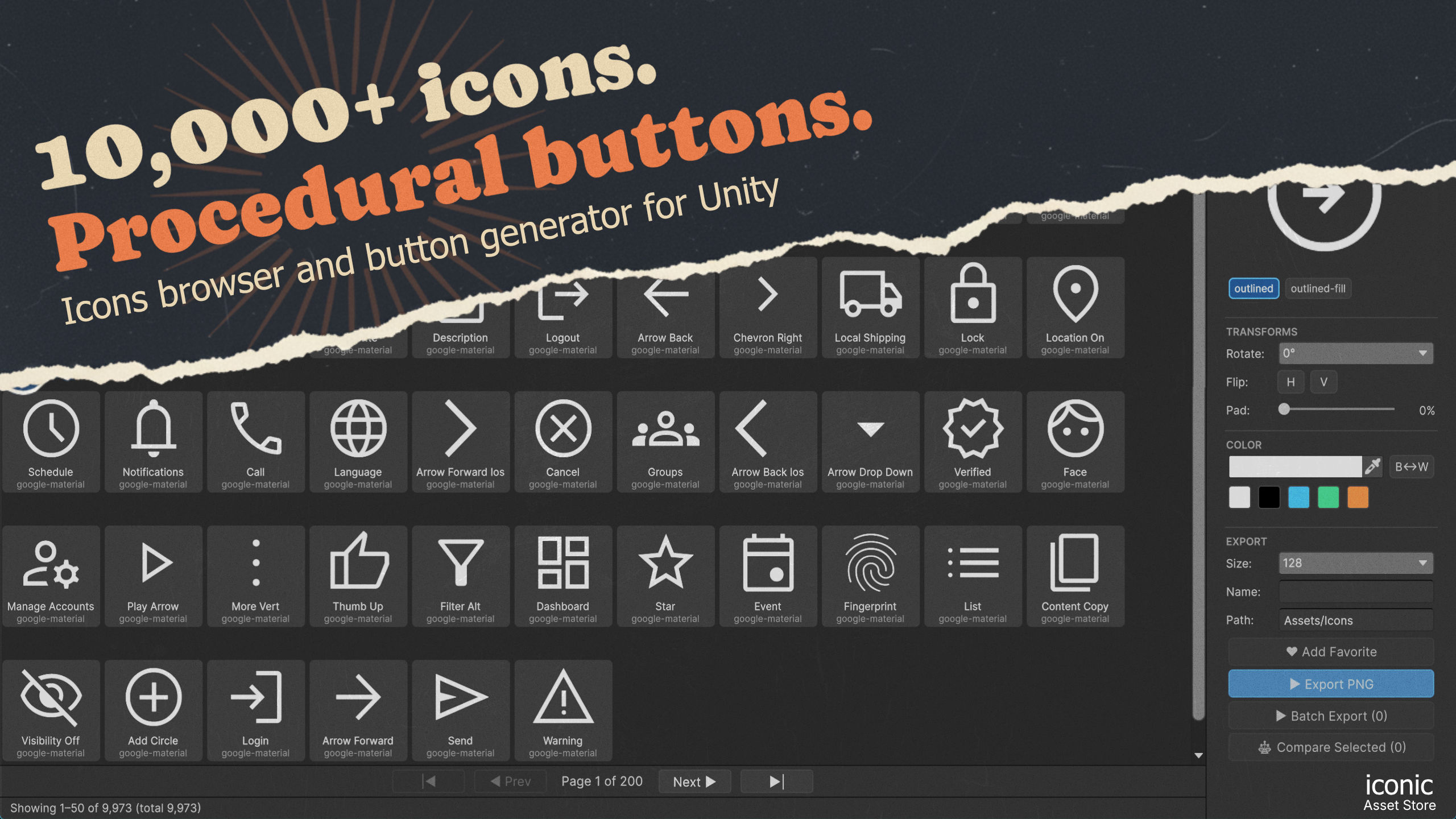
An icon browser and procedural button generator that lives inside the Unity Editor. Browse 10,000+ open-source icons, design UI buttons, and export game-ready PNGs — without ever leaving Unity.

Iconic icon browser inside the Unity Editor — a grid of 10,000+ icons with transform and export controls
Walkthrough

See it in action.

Iconic walkthrough video thumbnail

Iconic walkthrough — watch on YouTube

Two tools in one

Find icons. Build buttons.

A searchable browser for thousands of open-source icons, plus a procedural button generator — together in a single Unity window. Everything previews live, then exports straight into your project.

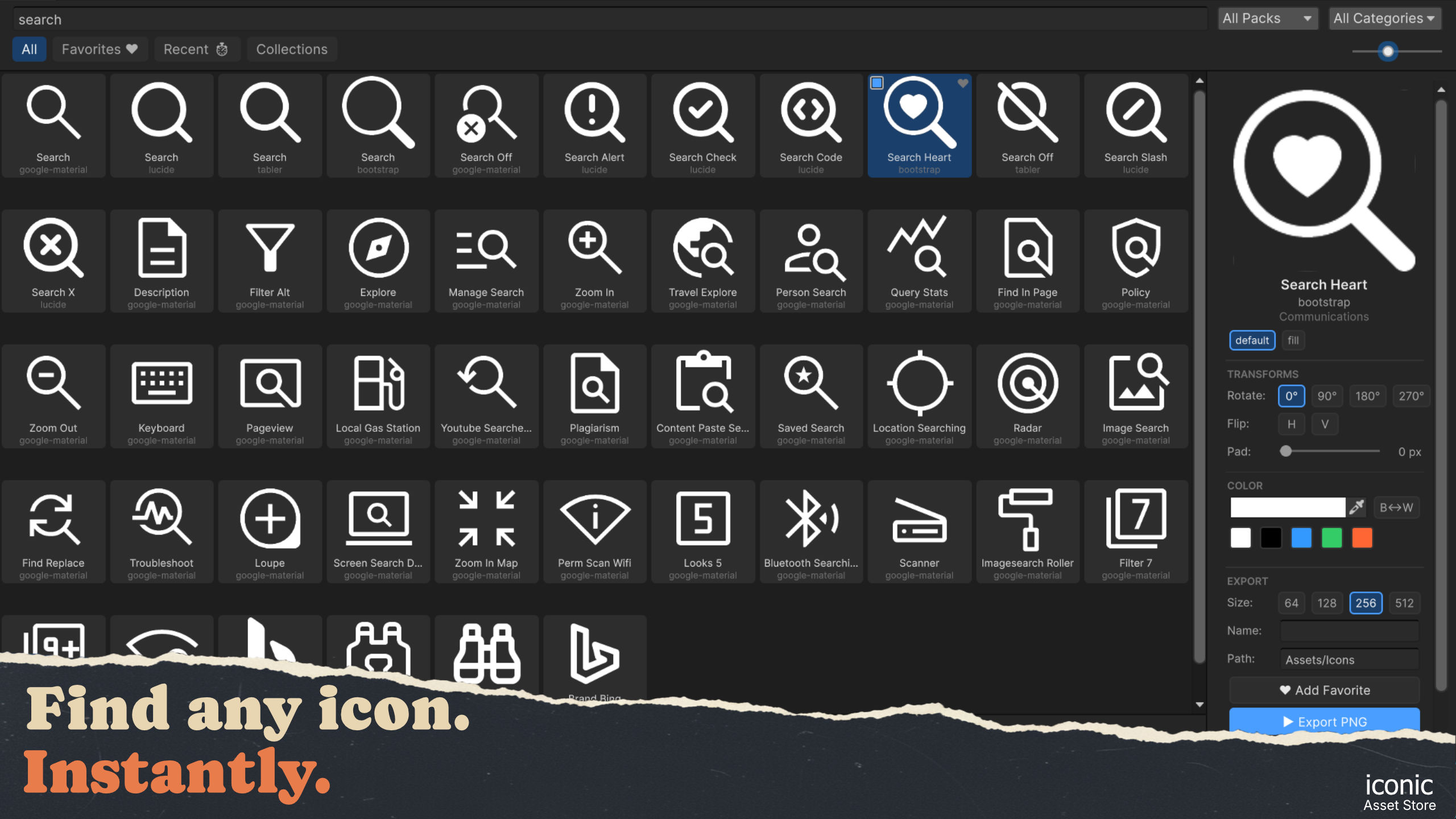
Searching the Iconic icon library inside Unity Icon browser
Tool 01 · Icon browser

10,000+ icons, one search box.

Browse Google Material Symbols, Bootstrap Icons, Lucide and Tabler from a single virtualized grid, with tag- and name-based search that filters as you type.

Pick a style, recolor, rotate, flip and pad each icon, then keep the ones you love with favorites, recents and named collections.
Four libraries Tag search Favorites
Tool 02 · Button generator

Procedural buttons, no Photoshop.

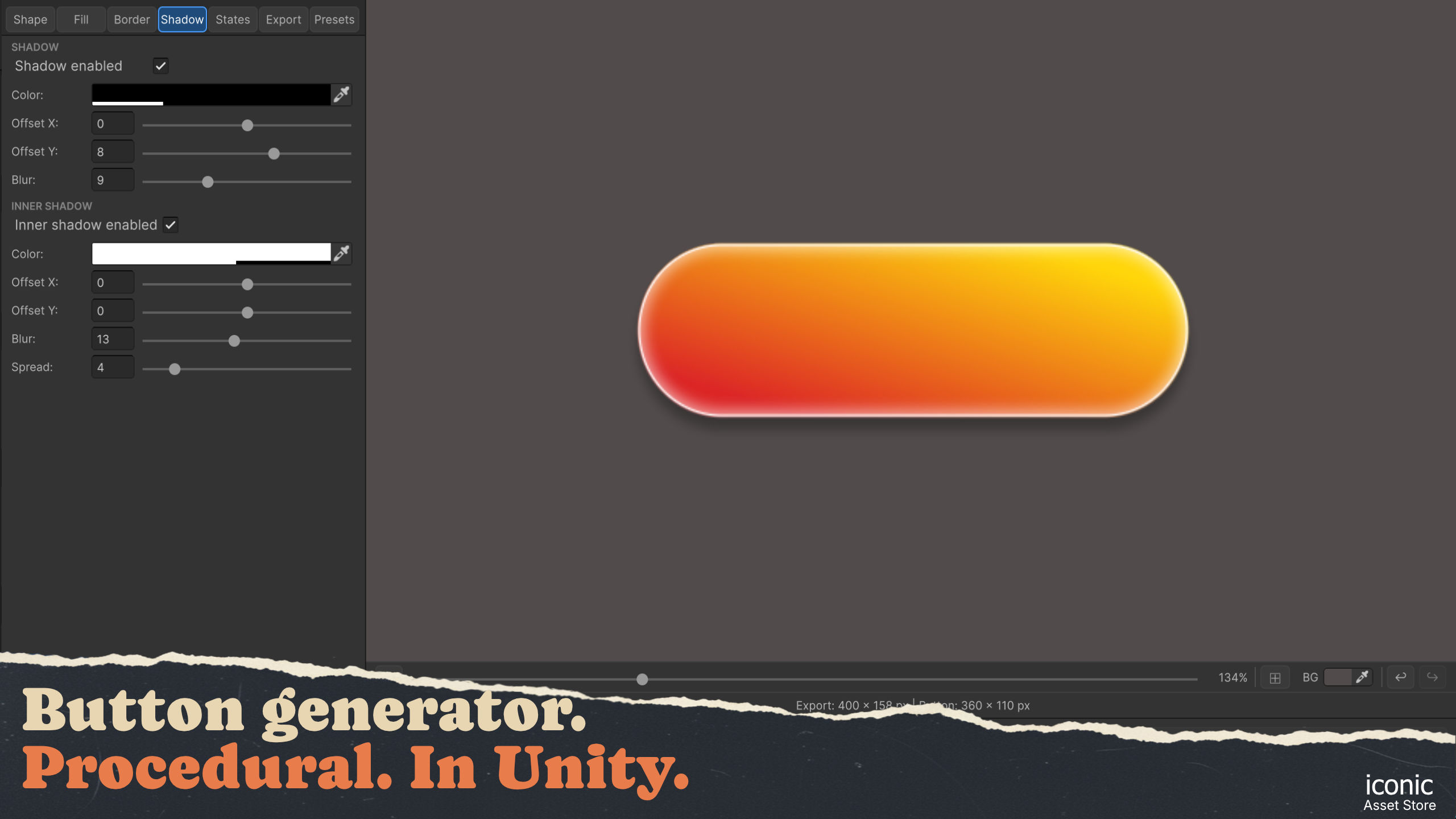
Design UI buttons from five base shapes with solid, linear or radial fills, borders, and both outer and inner shadows — every change previews live on the canvas.

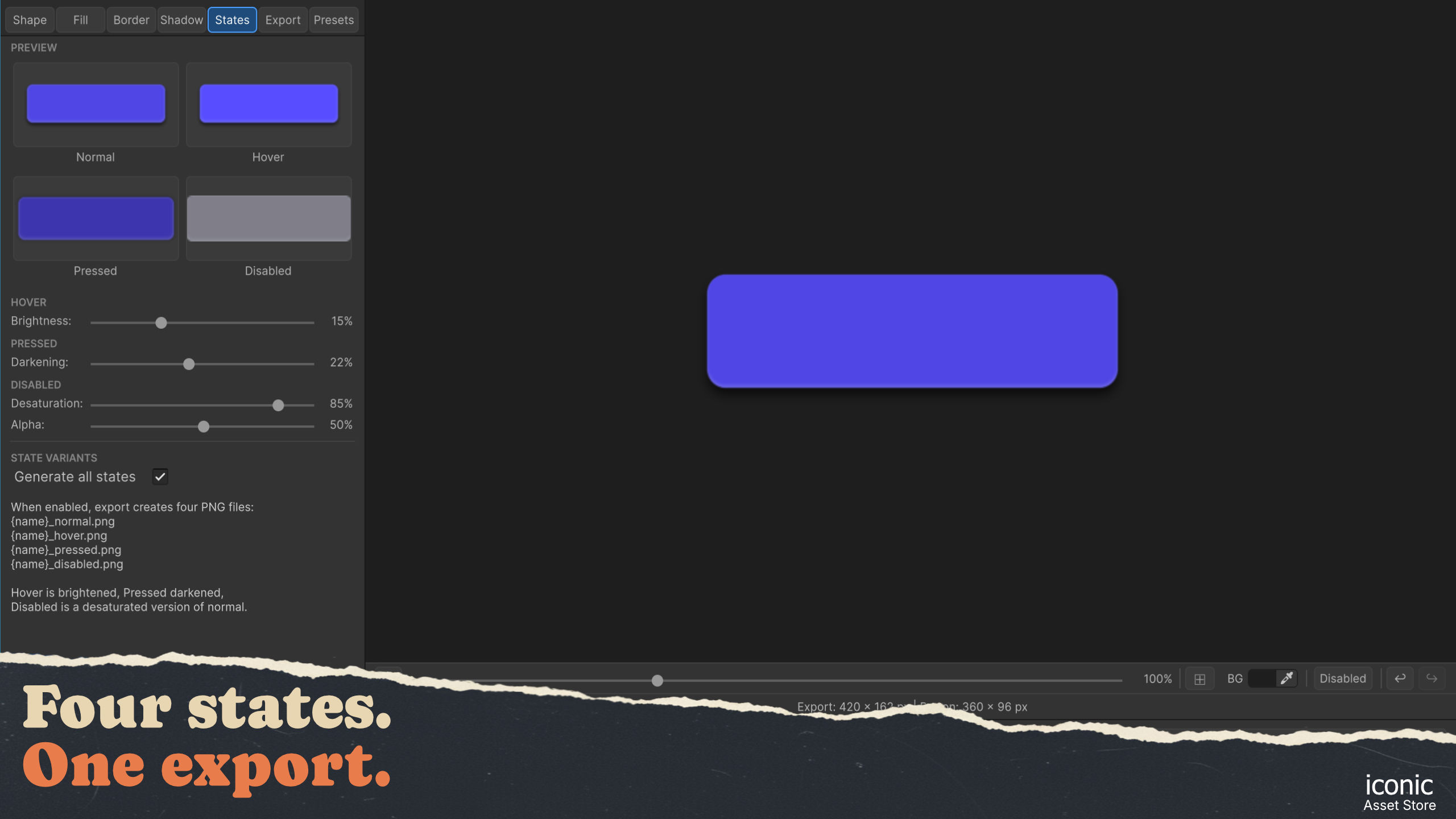
Generate Normal, Hover, Pressed and Disabled variants in a single export, so your buttons are ready to wire up the moment they land in Unity.

Five shapes Gradients Shadows
Designing a procedural button with shadow controls in Iconic Button generator
Generating Normal, Hover, Pressed and Disabled button states in Iconic Export-ready
Both tools · Export

Export straight into your project.

Send any icon or button out as a clean, transparent PNG at 64, 128, 256 or 512 px — written to a folder you choose under Assets, configured as a sprite for you.

Batch-export a whole selection of icons at once, or write all four button states as separate files in a single click.

PNG export Batch & compare Sprite-ready
The full toolset

Everything in one window.

From finding the right icon to exporting a four-state button — the whole workflow, without switching apps.

10,000+ icons

Material Symbols, Bootstrap, Lucide and Tabler in one virtualized grid, with multiple styles per icon and an adjustable cell size.

Instant search

Search by name or tag and filter the whole library as you type, with per-pack and category filters to narrow things down fast.

Favorites & collections

Heart the icons you use most and group them into named collections, with recents always a click away.

Transform & recolor

Rotate 90°, flip horizontally or vertically, add padding, and recolor with a custom picker, color presets and one-click black ↔ white.

Five button shapes

Build buttons from rectangle, pill, circle and chevron shapes, each with adjustable corners, size and export padding.

Fills & gradients

Solid color, linear and radial gradients with angle and stop control, an optional background, and a fade-to-transparent shortcut.

Borders & shadows

Add a border, plus independent outer and inner shadows with color, offset, blur and spread — perfect for glows and depth.

Four button states

Auto-generate Normal, Hover, Pressed and Disabled with brightness, darkening and desaturation controls — exported as separate PNGs.

Export & batch

Write transparent PNGs from 64 to 512 px into your project, batch-export selections, and compare icons side by side before you commit.

Screens

Every tool, up close.

Click any screen to open the full-resolution capture.

Iconic icon

Iconic

Unity Editor extension · v1.0

Editor-only — no runtime footprint. Bundles 10,000+ open-source icons under permissive licenses (Apache 2.0, MIT, ISC), ready to use in any project.

Icon library
10,000+

Across four open-source packs, with multiple styles per icon.

Libraries
4 packs

Material Symbols, Bootstrap, Lucide and Tabler.

Export sizes
64–512 px

Transparent, sprite-ready PNGs written into Assets.

Footprint
Editor-only

No runtime component ships with your build.